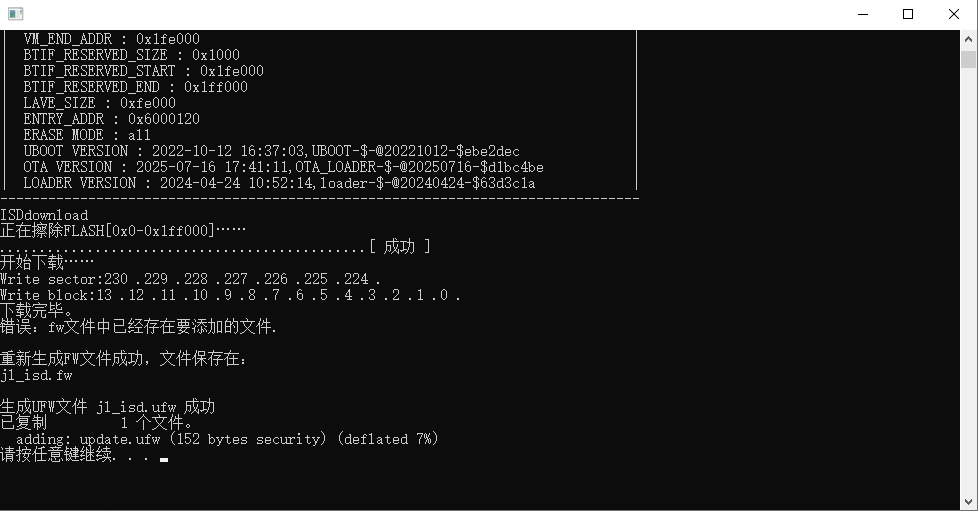
P10 Game Console system upgrade process
Game console system upgrade fIrmware

Note: Please set up the browser and computer firewall tools in advance to prevent this file from being automatically deleted.
1
After inserting any game cartridge into the game console, simultaneously press and hold the volume up and down buttons to enter the USB connection mode.
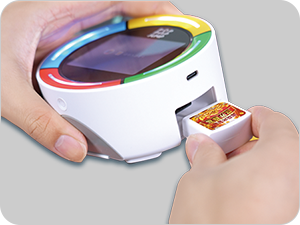
Insert any game cartridge
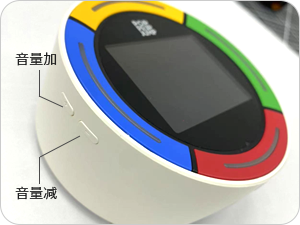
Simultaneously press the volume up and down buttons
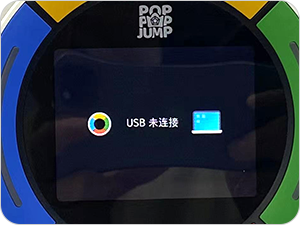
Successfully entered USB connection mode
2
Connect the game console to the computer using a USB data cable.
3
Click to download the upgrade firmware for the P10 game console onto your computer.
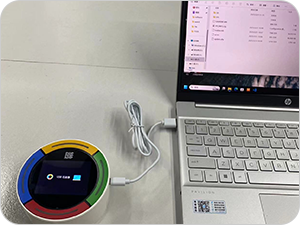
Connect to the computer
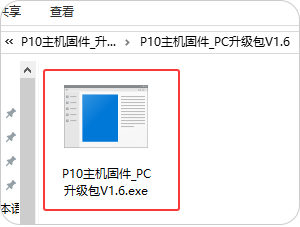
Download the upgrade firmware for the game console
4
Double-click on the upgrade firmware icon on the computer to start the process. The system will be automatically upgraded. After the upgrade is complete, press any key on the keyboard to exit.