POP POP JUMP
MINI GAMES

Updated:2026-01-09
Current version: V843
Game data files copying process
1
After inserting the corresponding game cartridge into the console, press and hold the volume up and down buttons simultaneously to enter USB connection state
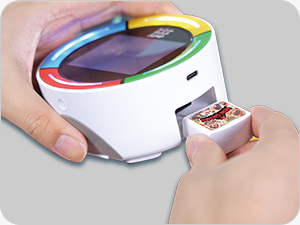
Insert the corresponding game cartridge
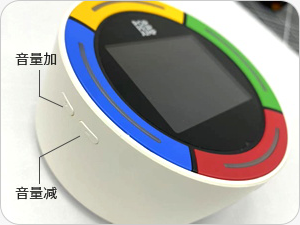
Press and hold the volume up and down buttons simultaneously
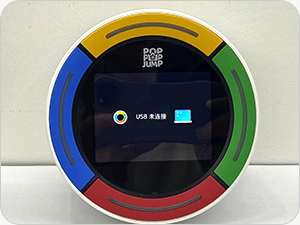
Enter USB connection
2
Connect the console to the computer with a data cable.
3
In My Computer, open the game cartridge disk, and delete all the data on the game cartridge.
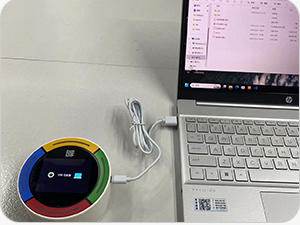
Connect to computer
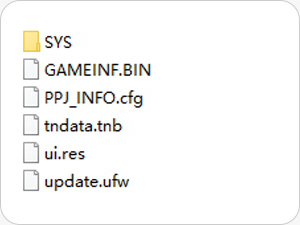
Open the game cartridge disk
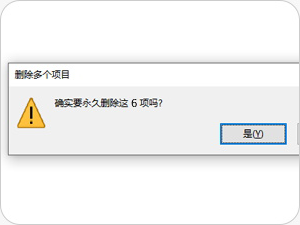
Delete all data
4
Unzip the downloaded game cartridge data package, copy all the files in the folder to the root directory of the game cartridge disk.
5
After unplugging the console, restart it, and the game data will reload.
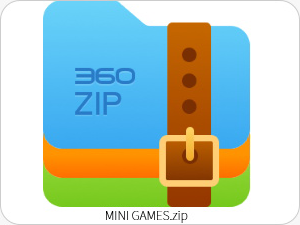
Unzip data package
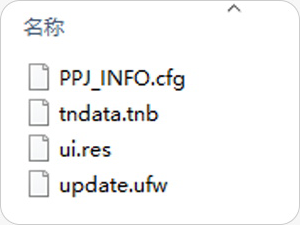
Copy to game cartridge disk
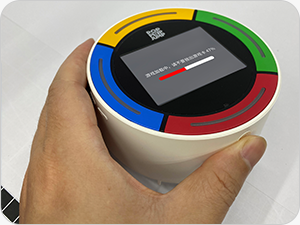
Restart console
